Set up dropdown menus on your site
You can create dropdown menus under the buttons on your website. You can refer these to other pages, downloads or URLs.
Go to Settings
On the desktop, go to settings (gear) at the top right of Ziber Team.


You will then find the ' Dropdown menus ' under the 'Desktop Website' tab.

Create the buttons from the dropdown menus
Drop-down menus are linked to the buttons on your websites. Choose one of the buttons.

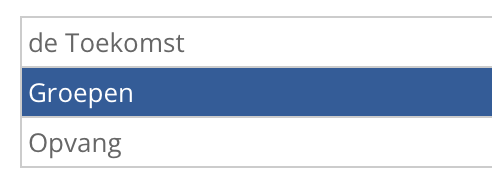
Tip: Don't see any buttons here? Please contact support@ziber.eu and we will create the menus for you.
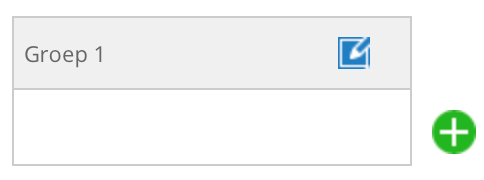
You can now create buttons under the selected button. You give the button a name and click on the green plus.

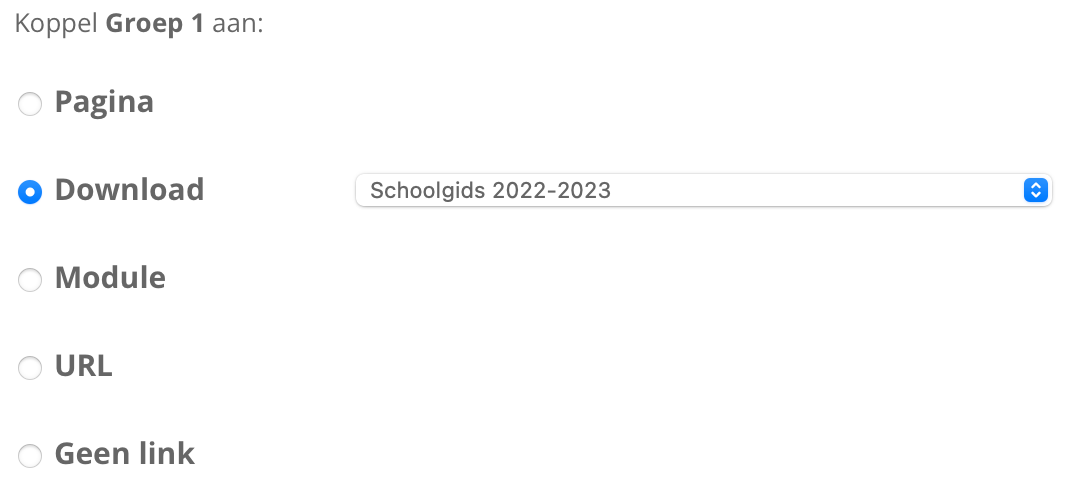
Click on the created button to link it to a page , download , module or URL .
Also create submenus
You can also create a submenu for a button. To do this, click on the right arrow in the button and a submenu will appear next to it.

