Designs: Choose a template and upload the PSD
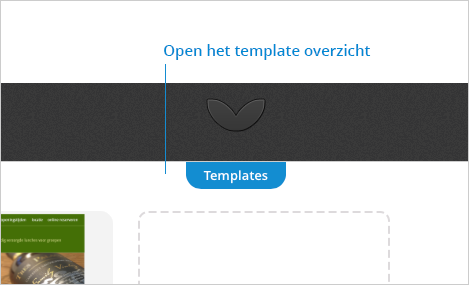
1. Open the template overview
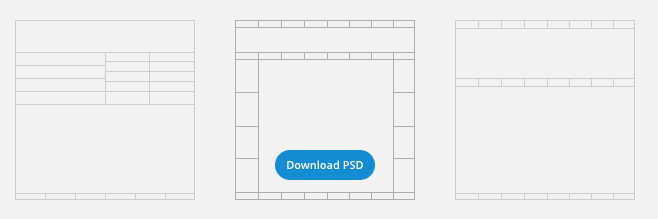
2. Choose a template that best suits your design and click on 'Download PSD'
3. Create the design in Photoshop and save the PSD file again.
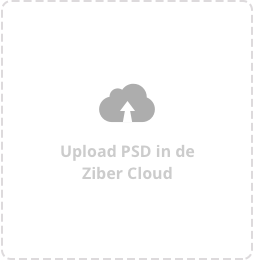
4. Click on the upload box or drag the .psd into the upload box.
The Photoshop document (.psd) is now processed to a Ziber website. After a few seconds you can further edit the design.