SenseView DS: Bumper
The bumper presentation is very suitable for showing a video or image. Think of a company film, the logo or advertisements. Multiple bumper presentations can be placed in the timeline. The duration can be determined per presentation.
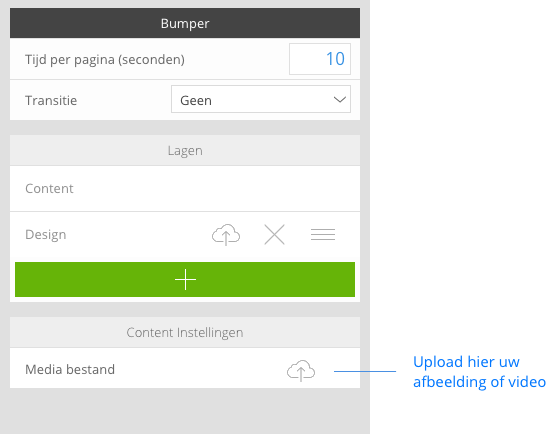
Setting the bumper presentation
Bumper presentation with video
- Upload a video file of up to 100 MB.
- The duration of the bumper with video is determined by the length of the movie file.
- The supported file formats are: MP4, AVI, MOV.
- Select the bumper element
- Click the upload icon and select a video from your computer
Bumper presentation with image
- The size of the image is 1280 x 720 pixels.
- The supported file formats are: JPG, PNG, GIF.
- Select the bumper element
- Click on the upload icon and select an image from your computer