Email - Fonts (Fonts)
The newsletter that the reader receives in the mail program is displayed in a font of your choice. You can set this font at Apps > E-mail > Colors.
Set the font for the newsletter
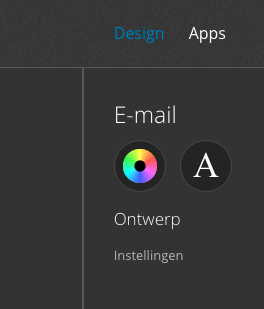
- Click Design.
- Click on the font icon under 'Email'.
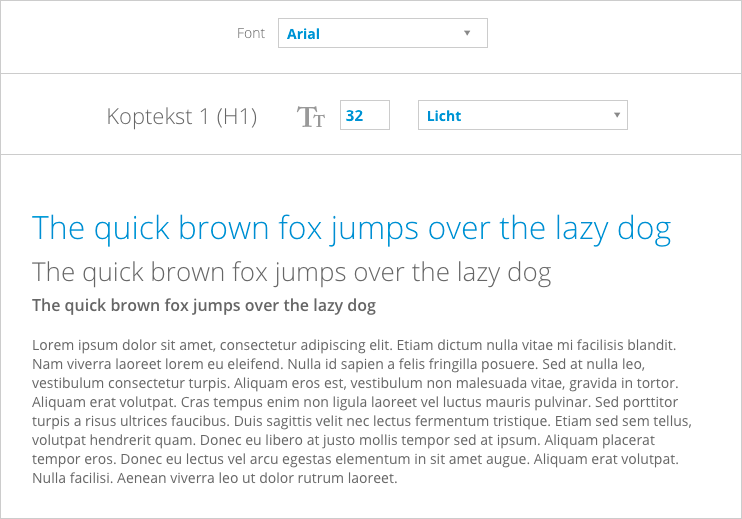
- Select the desired font at 'Font'.
- In the preview screen, click on the various text styles: Header H1, H2, H3 or paragraph (text).
- The selected style turns blue.
- Change the font size in the input field. The number shown is the size in pixels.
- Change the thickness of the letter: light, normal, semi-bold or bold.
- The changes are saved immediately.
The font settings apply to the newsletter and email correspondence from your website. For example, the Header 1 (H1) is used for the subject of the newsletter and as a title for a thank you e-mail.
NB. You can choose a limited number of fonts for the newsletter. This ensures that every e-mail program displays the newsletter correctly.