Email - Settings: Dimensions
Set the width and margins of the newsletter
- Go to Design > Email > Settings
- Set the width of the newsletter (this also applies to the e-mail correspondence)
- Set the top and bottom margins.
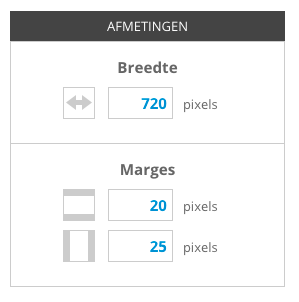
The value you enter here is pixels. The top and bottom margins are the distance from the header/footer and the horizontal space between the messages/calendar items.
The intermediate margin is only used when a two-column newsletter is chosen. This is the vertical space between the posts.