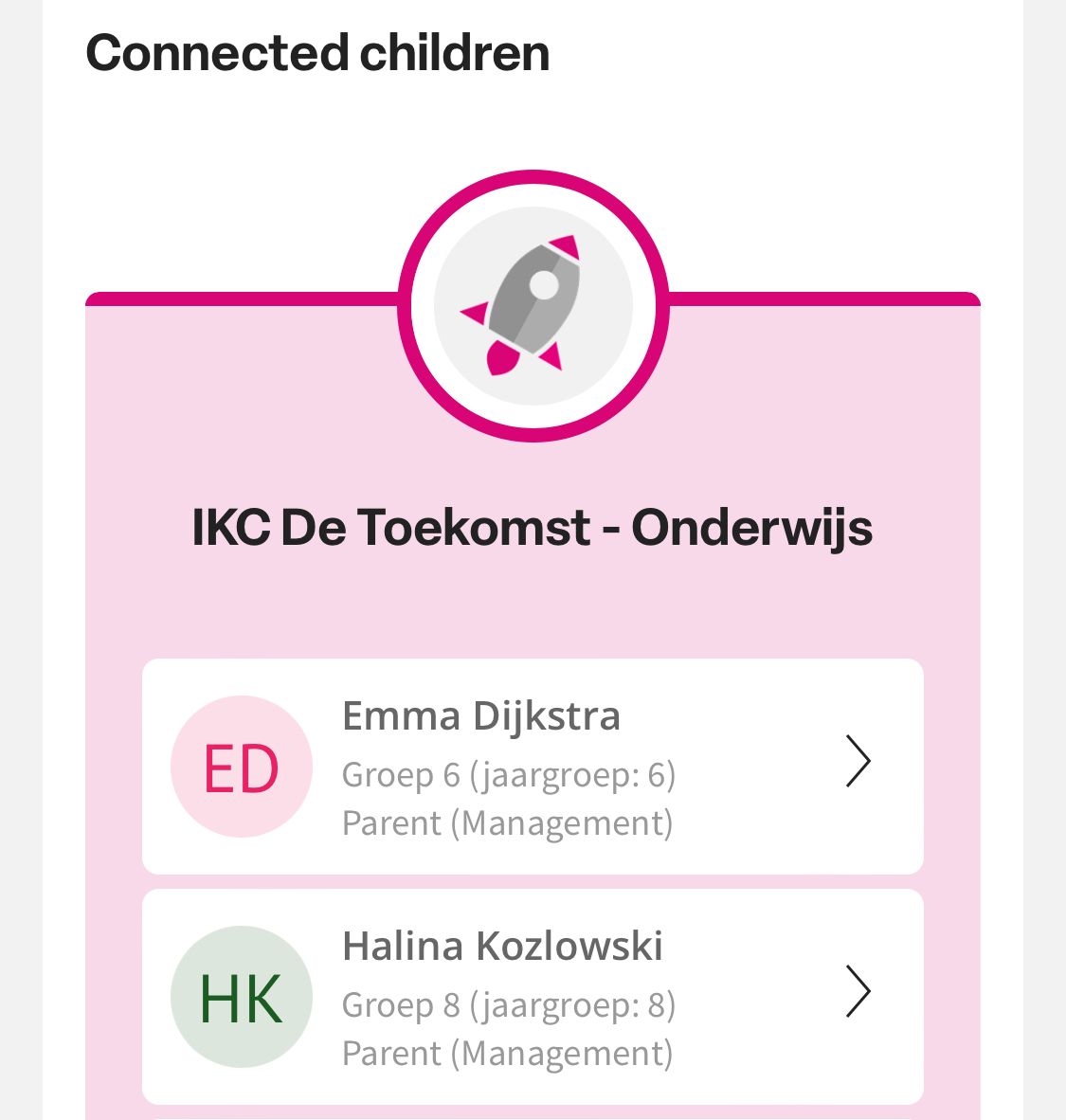
View parent profile in Ziber Team
Via the student management you can see which parents/guardians are linked to a child. You can also view the parent's profile here.
Student management
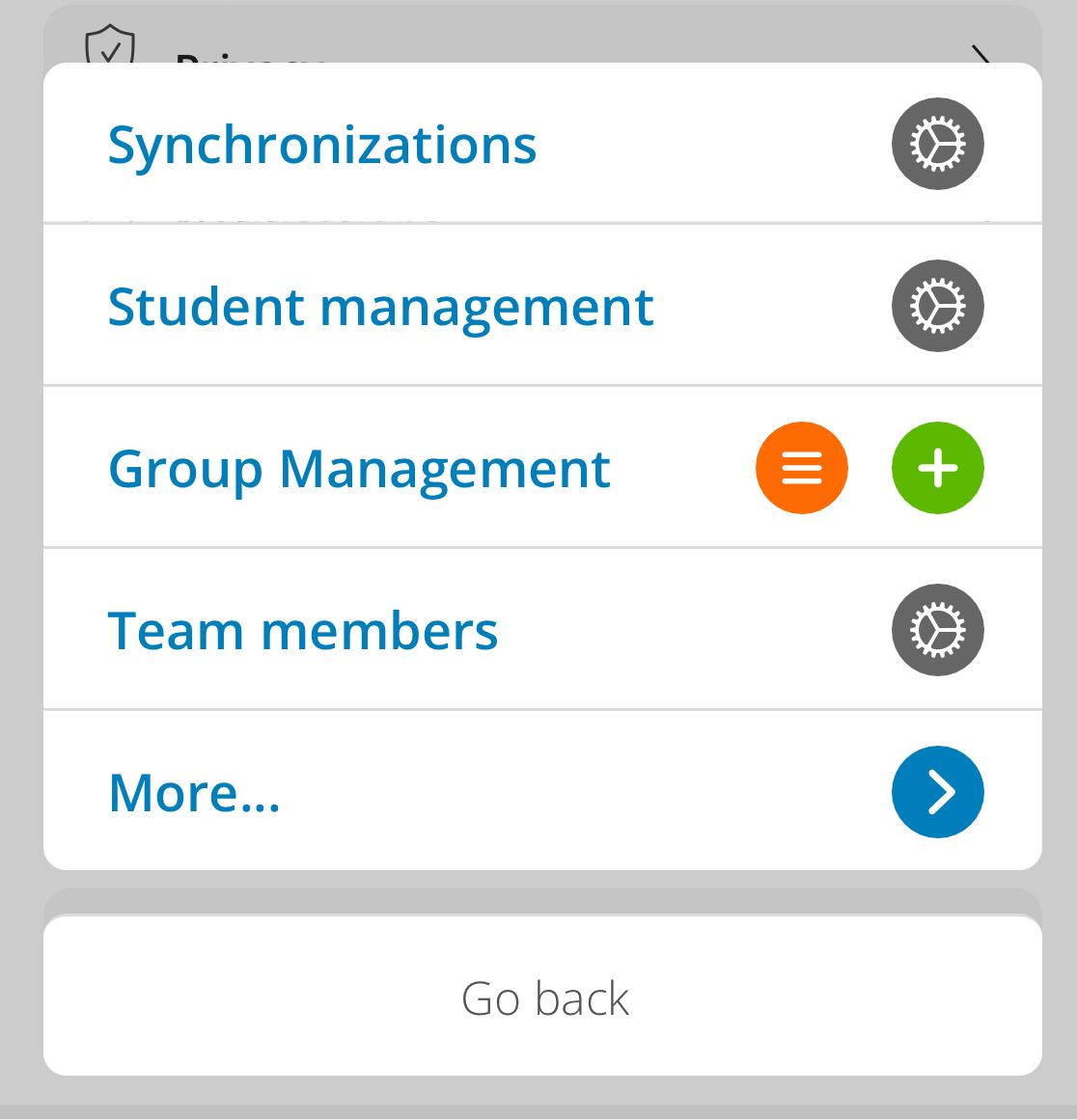
To view a parent's profile, go to settings via the orange menu button at the bottom of the Ziber Team app and then to student management .
Student profile
Go to the profile of the student whose parent/guardian contact details you want to view. You will see who is linked to the student. You can then click on the profile of this parent/guardian.
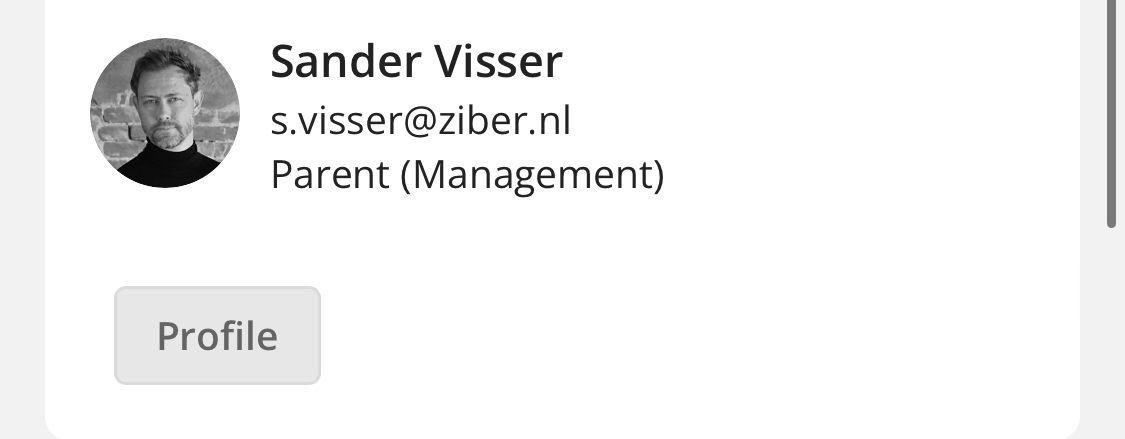
Parent profile
You can view a number of things in the parent profile: contact details, language, privacy settings, and connected children.
Contact details
View the parent's contact information. And contact us easily via call, topic (chat), or email.
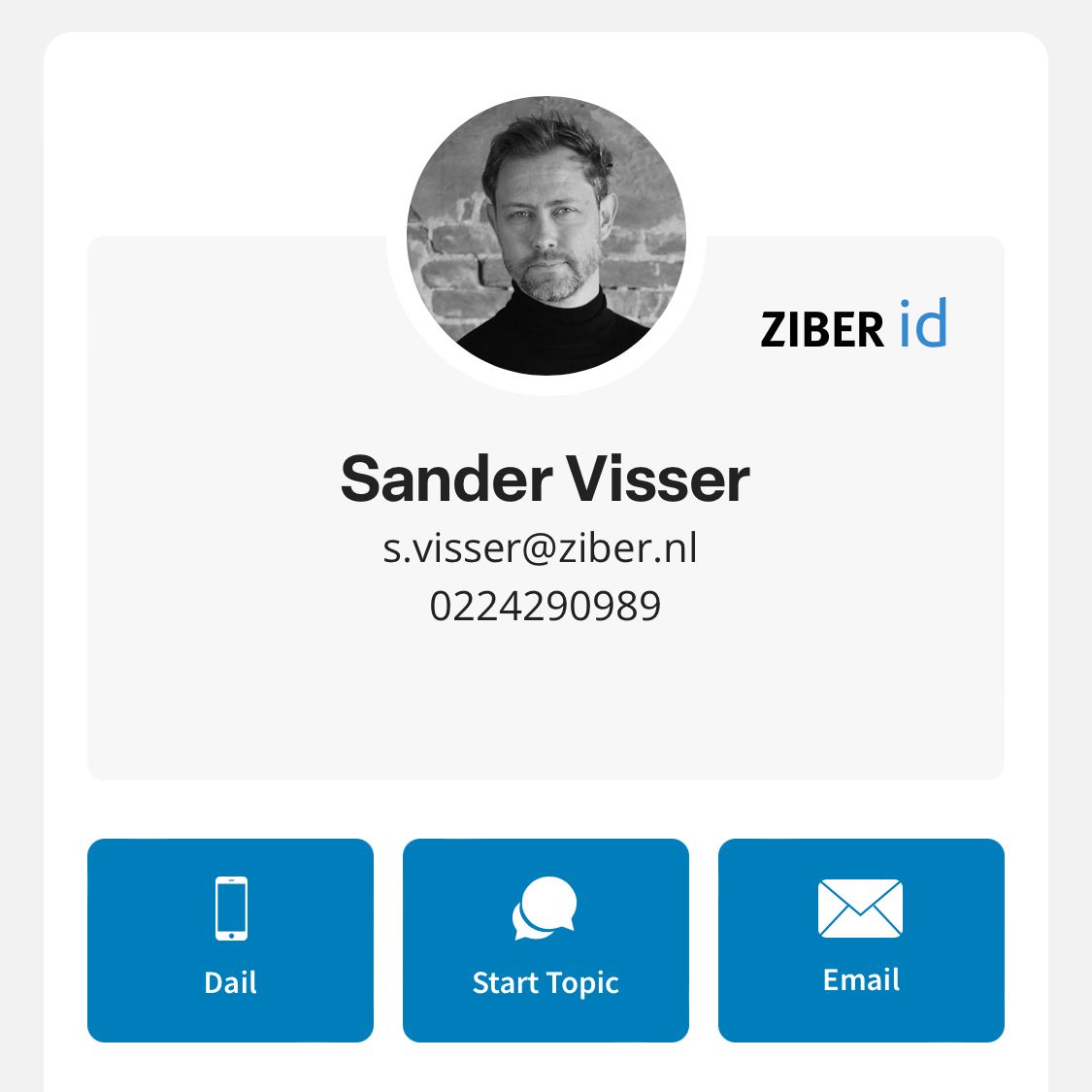
If data, such as a telephone number, is not available, this function will automatically disappear.
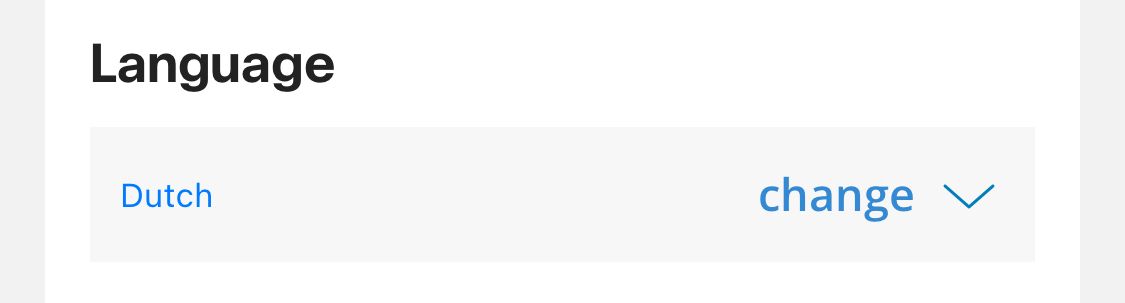
Language
You can see which language the parent has set. It is even possible to change this (this can be useful if the parent accidentally set the wrong language).
Privacy settings
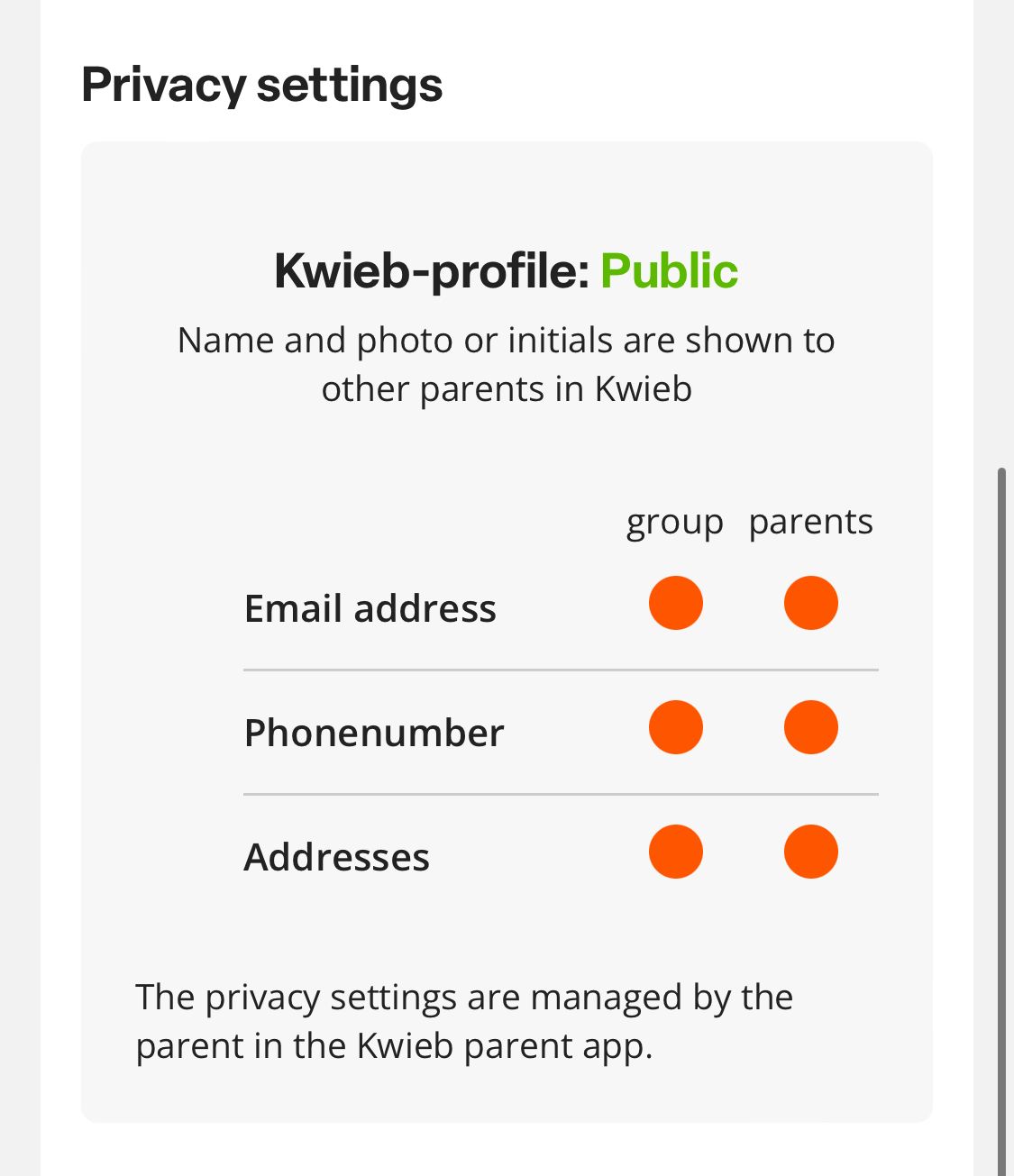
Check whether the parent has set their profile to public or protected .
Tip: If a parent chooses to protect their profile, the social interactions of the app will disappear. View which functions will no longer be available when the profile is protected.
You can also see what information the parent shares with other parents from his group or with parents from the entire school. You cannot change these settings.
Connected children
See which children and organizations are connected to this parent.