Change email address in Ziber Team
Easily change your email address yourself in Ziber Team.
Your profile
To change your email address, go to your profile. You can get there by tapping on your name/photo at the top right and going to ' profile' .
Your current email address
At the top of the screen, below your name, you will see your current email address .
change e-mail address
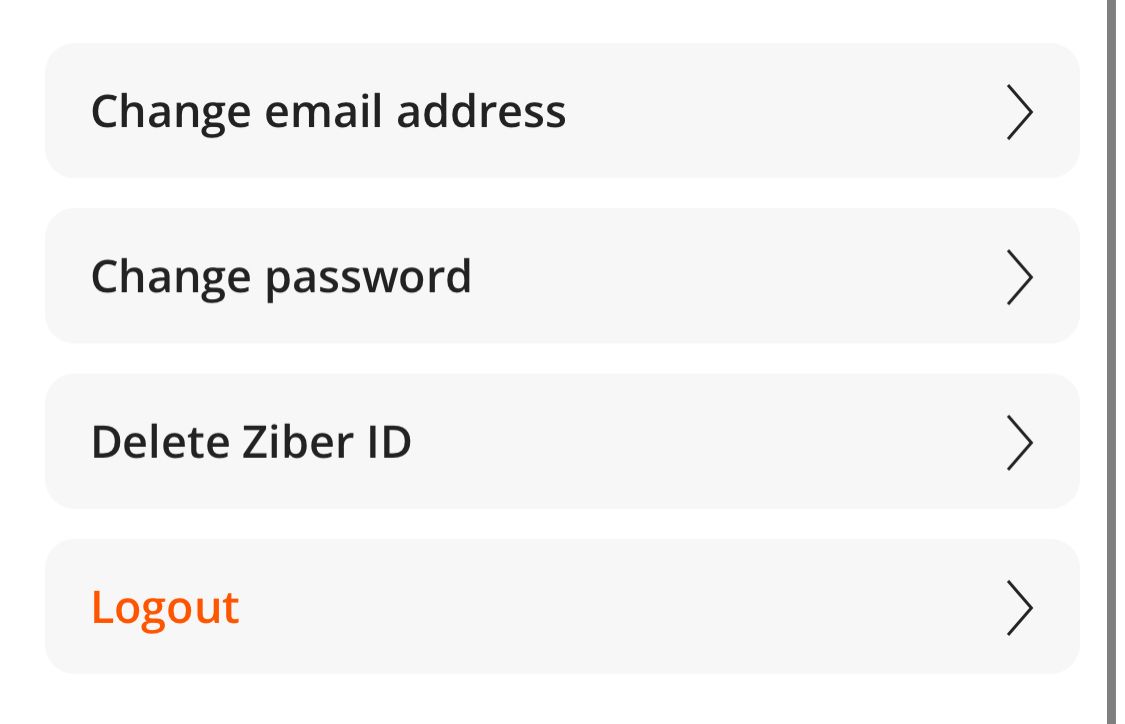
In your profile, scroll down and go to ' change email address '.
Change your current email address to the new email address .
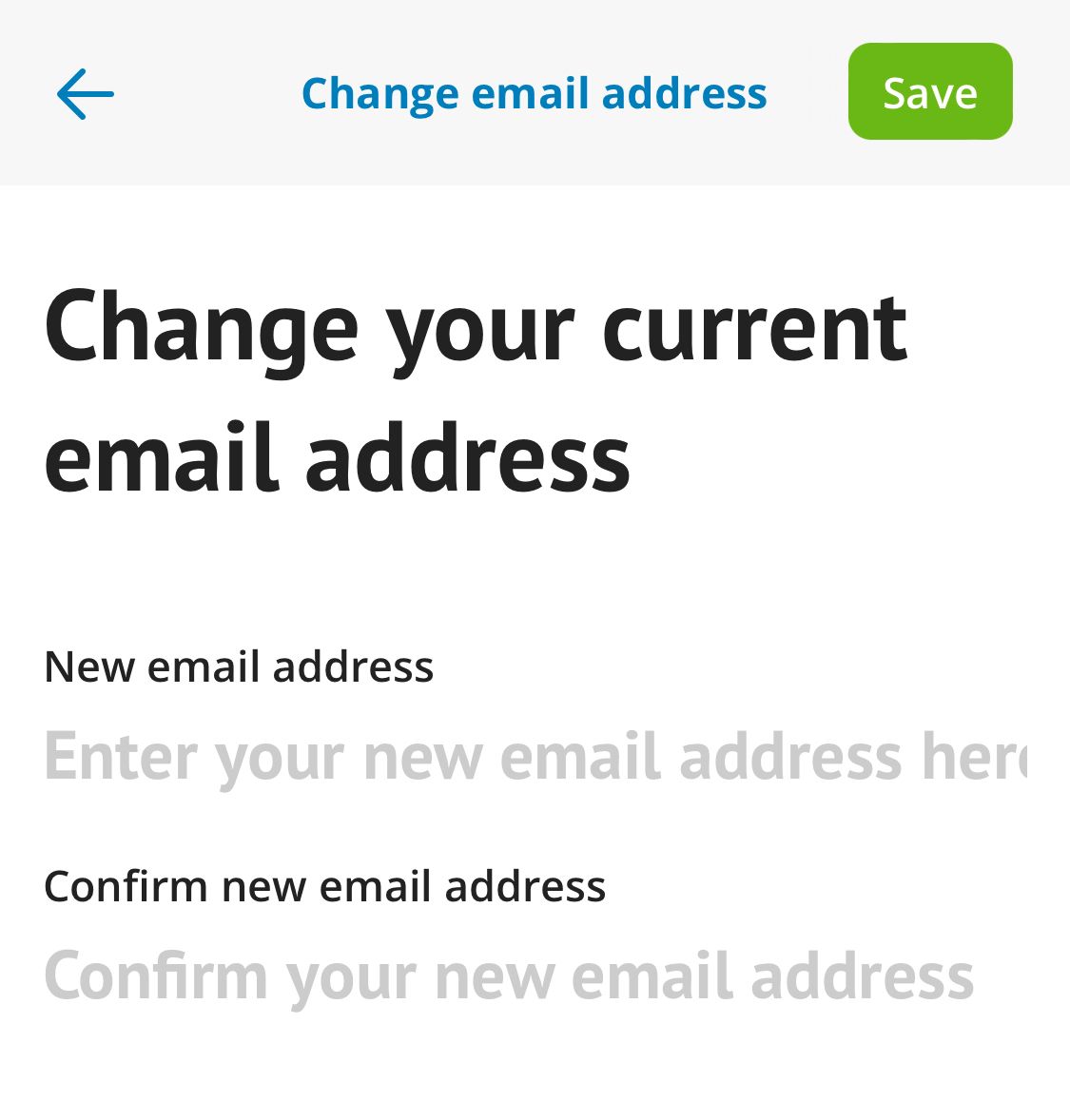
Activate email address
You will then receive an email at the new email address with an activation link. Click on this link to activate the new email address. An email will also be sent to the old email address for security purposes with a notification that a request has been made to change the email address.
Please note: The activation link is valid for 1 hour.