New in the Ziber Cloud
New to the Ziber Cloud? We are happy to help you on your way with making your first Ziber product. You manage all your customers in the Cloud. Working with Ziber is free for designers . Create free 30-day trials and get started! Satisfied with the design, have the website activated by your customer.
1. Create a Ziber Cloud account
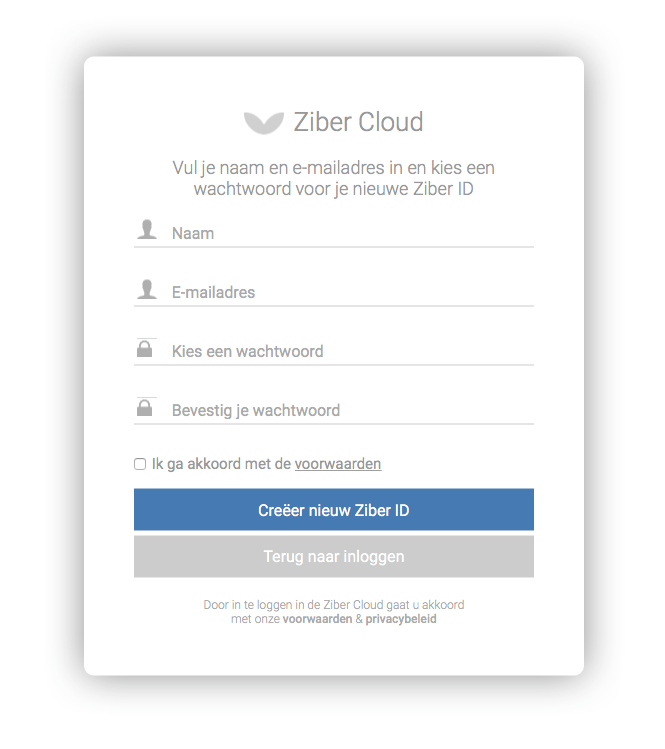
Go to cloud.ziber.eu/Security/Create and create a free account.
2. Choose a product and create a free trial
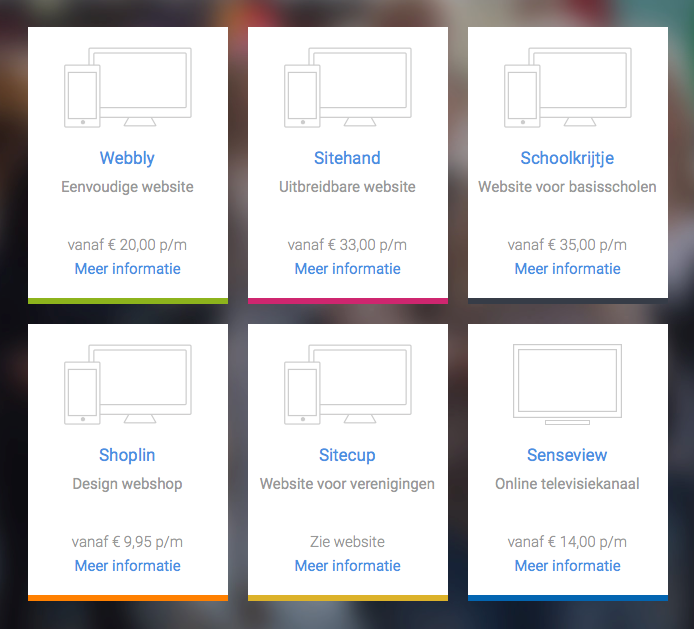
Choose from the different ziber products, then add the apps you want to use and give the website a name. You can create trials without obligation , these remain valid for 30 days and will become inactive after the 30 days, unless it is activated by you or your customer.
3. Create & manage the product
In the DS/DS4 you design the website or display. The website or display can then be managed in the Ziber Team CMS.
4. Activate Product
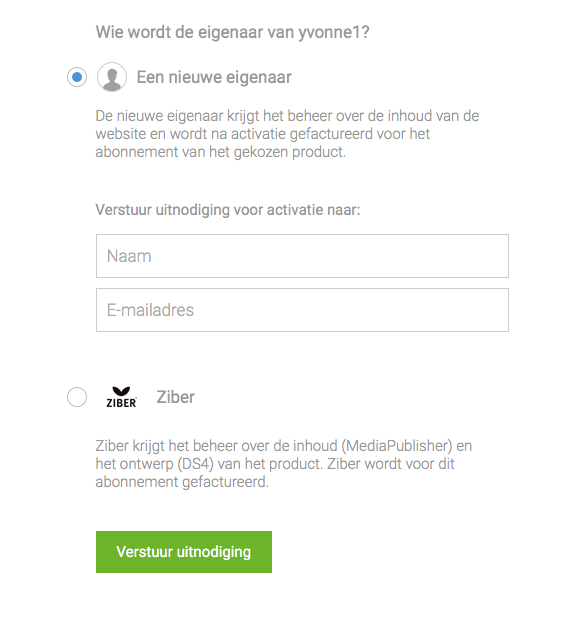
Send an invitation to the customer to activate the product. The customer will be in charge of the content of the website (via Ziber Team) and will be billed for the subscription. You can invoice for the design costs yourself. (Note! When activating your first website, you will first be asked for your company details)
You can also choose to purchase the website yourself, then choose your company name.