Manage groups and roles
Via your profile you can see which role you have at your school or daycare, and see which groups you are linked to.
Profile
Go to your profile in the Ziber Team app and scroll to the groups and roles section.

Groups and roles
Under the groups and roles button you will see the organizations to which you are linked. You can see which role you have at school/care, this can be teacher/pm'er, management, administration, IB'er or team member.
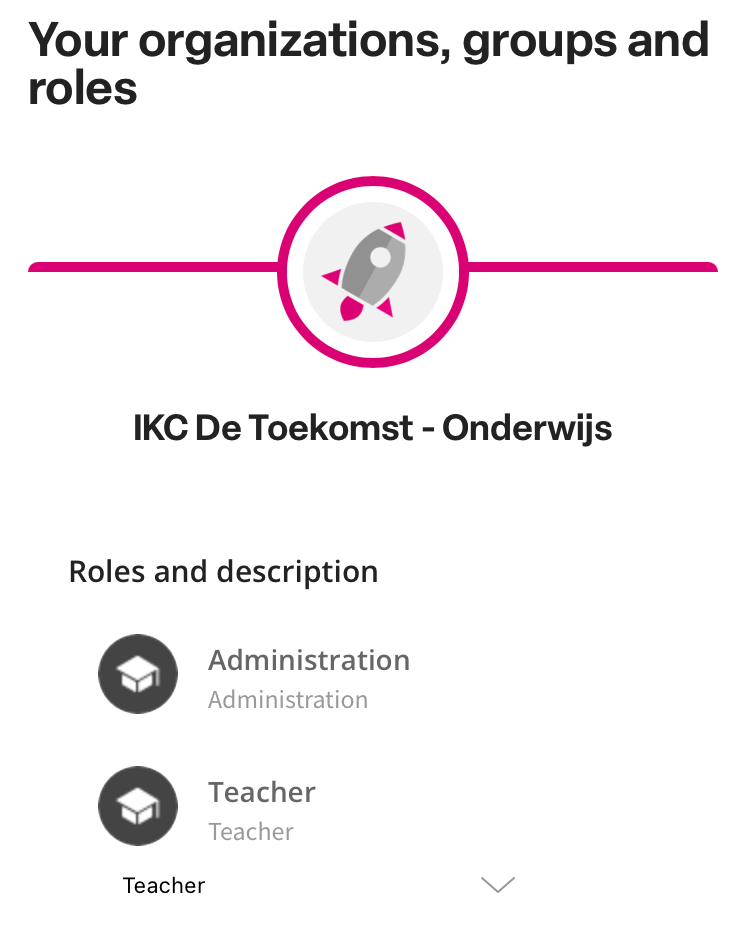
Tip: You cannot change your role yourself. A team member with the administration role can modify the role(s).
Customize naming
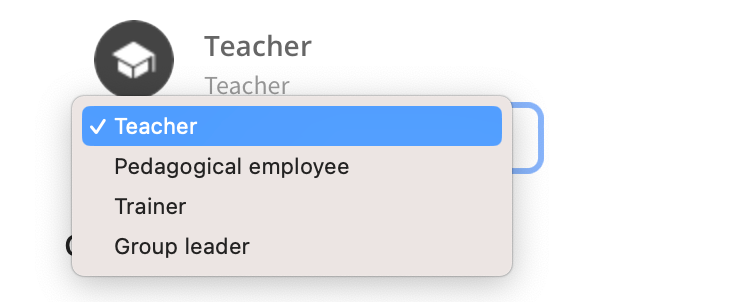
Does your role say teacher, but are you a pedagogical employee, trainer or group leader? Then simply adjust your naming here.
Linked Groups
You can see the groups you are linked to, these can be imported groups (from the student tracking system) or groups that you have created yourself.
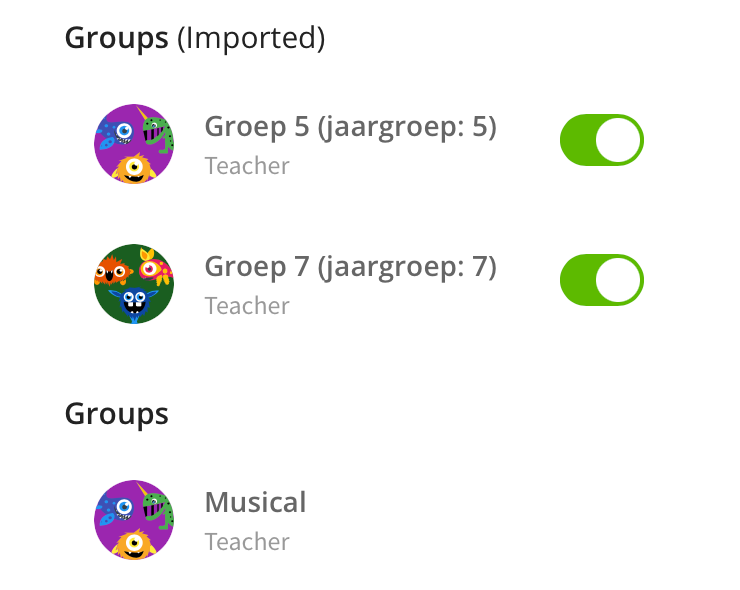
Tip: You can manage your own groups via group management
Note: You can unlink yourself from a group. Please note that you will no longer be able to publish to that group and you will no longer receive notifications from it. Parents will no longer see you in this group in the Kwieb parent app.