There are team members with no role
If there are members within the team without a role, you as an administration will receive a notification of this in the Ziber Team Dashboard. It is important that you assign a role to these team members so that they can continue to log in.
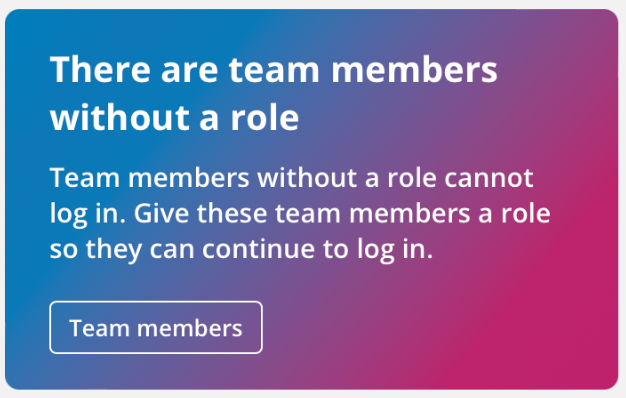
Team members without a role
When you go to the team member management (via the notification or via the orange menu icon > settings > team members). You will get a list of the team members who have not yet been assigned a role.
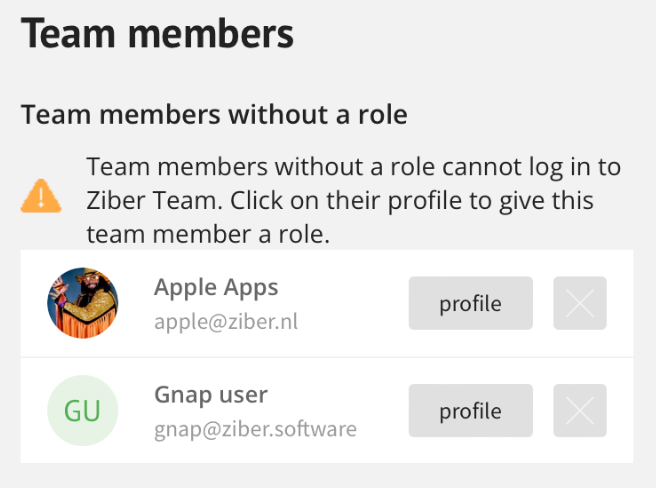
Profile
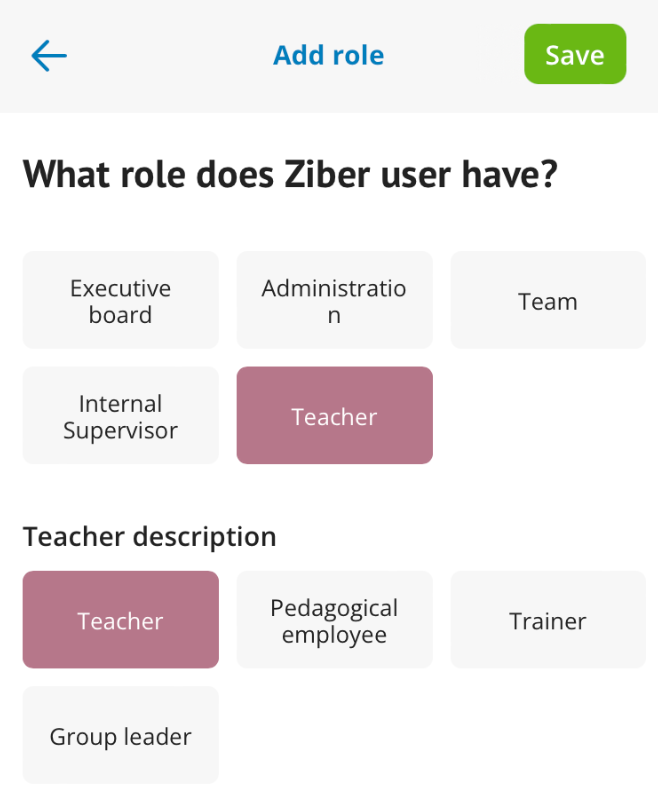
Go to the team member's profile and choose add role .

What role does the team member have?
Choose from a role and click save .
Note: Team members who do not have a role cannot log in to the Ziber Teamapp.