Disable imported groups
If your school/daycare organization uses automatic synchronization (such as Parnassys or ESIS), the group links of the various team members are automatically taken over by us from the student administration.
It often happens that team members are linked to multiple groups, while that is not necessarily desirable for our use. It is therefore possible to manage which groups you are linked to yourself.
Disable groups
From the 'Groups and roles' management (under your own profile) you can see the groups you are linked to. These can be imported groups (from the student administration) or groups that have been created within Ziber:
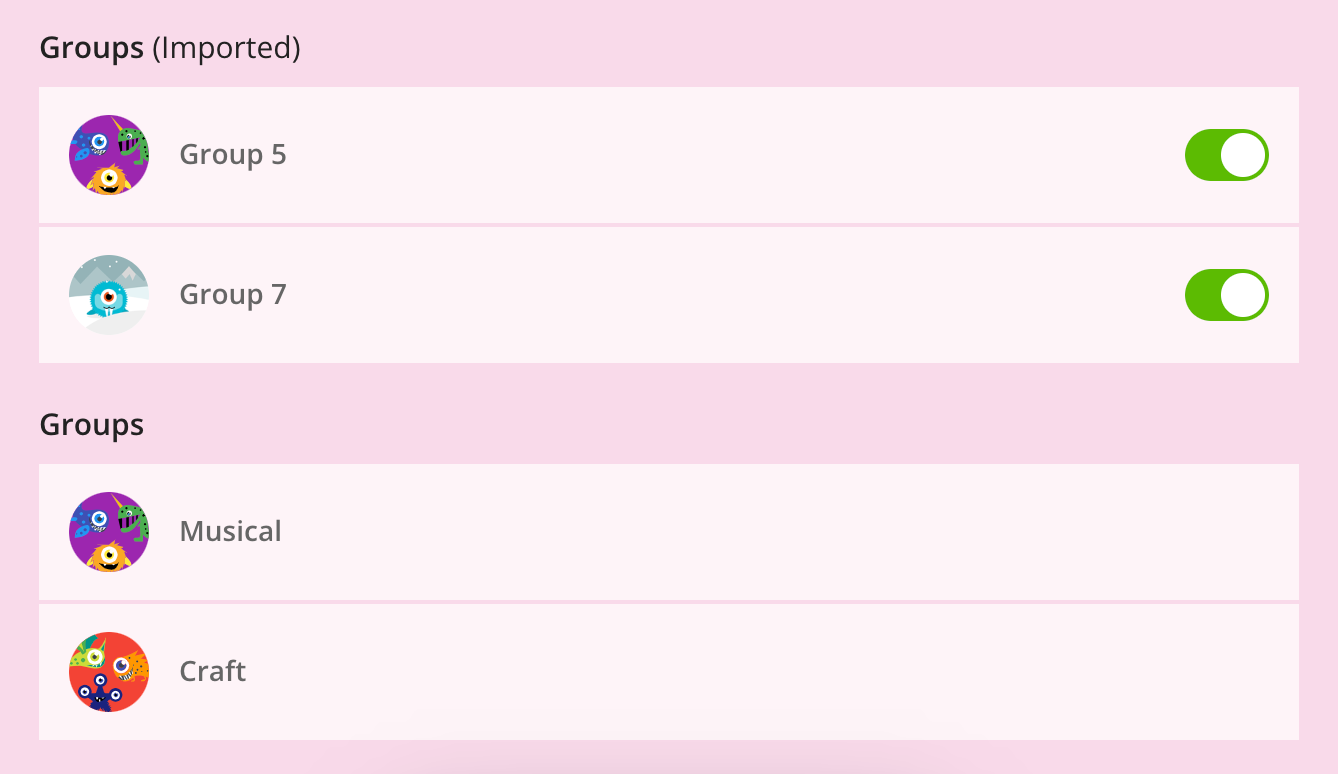
For imported groups, you can tap the slider on the right to disconnect yourself from this group. When you do this, you will be asked if you really want to disable this group:
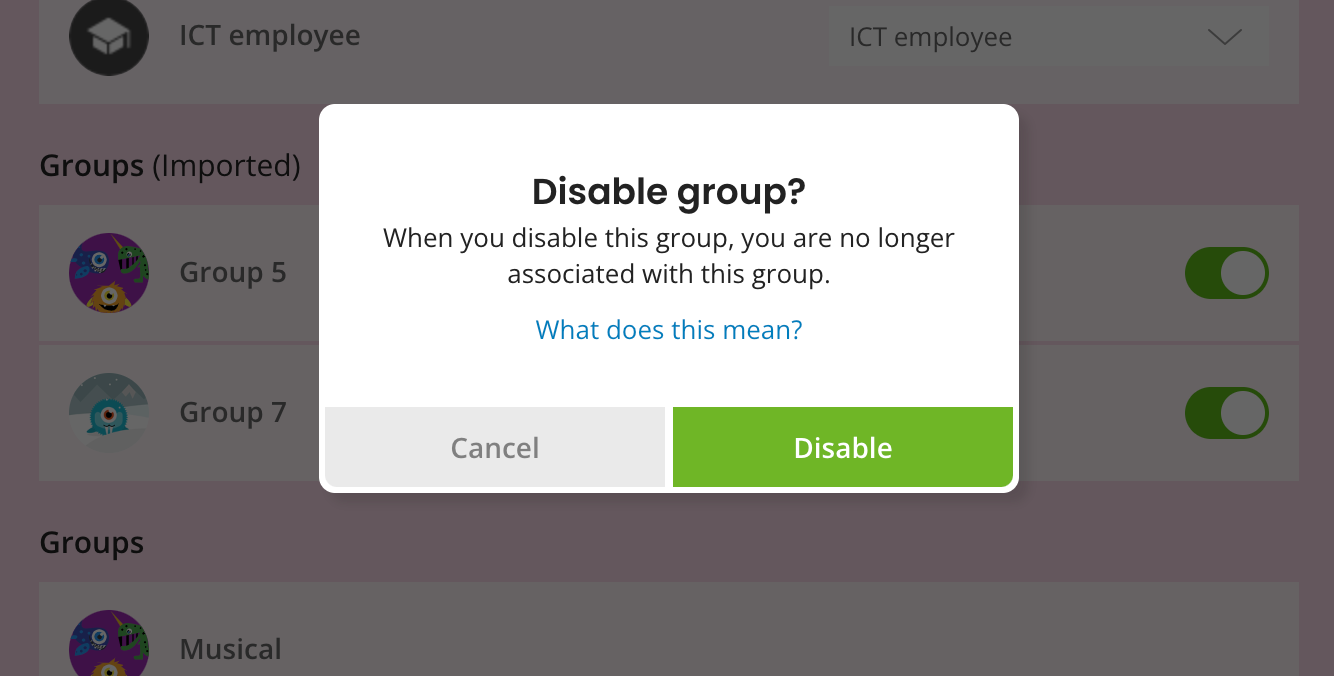
What does this mean?
When you are disconnected from the imported group, this has the same effect as when you are not connected to this group at all from the student administration. This means that you:
- No longer receive notifications of any news related to this group, such as:
- Absences of students from this group
- Notifications when a colleague publishes a message or something for this group
- Replies to messages to this group - No longer shown as a teacher for this group for parents in Kwieb
- The group will no longer be listed as standard in your groups when publishing messages, etc.
- In the student management you can no longer access the students in this group, for example to invite new parents
- Cannot create a conversation planner for this group
- Cannot view permissions for this group
Re-enable group?
If you want to reverse this, you can of course. To do so, tap the dot next to the group you previously disabled. The slider will then turn green again and you will be linked to this group again.